A Metronome with a Pulse
September 2026
Overview
The circle in the middle of the screen pulses at the same moment and with the same intensity as each click. I made a metronome for iPhone with no ads, accounts or settings screen.
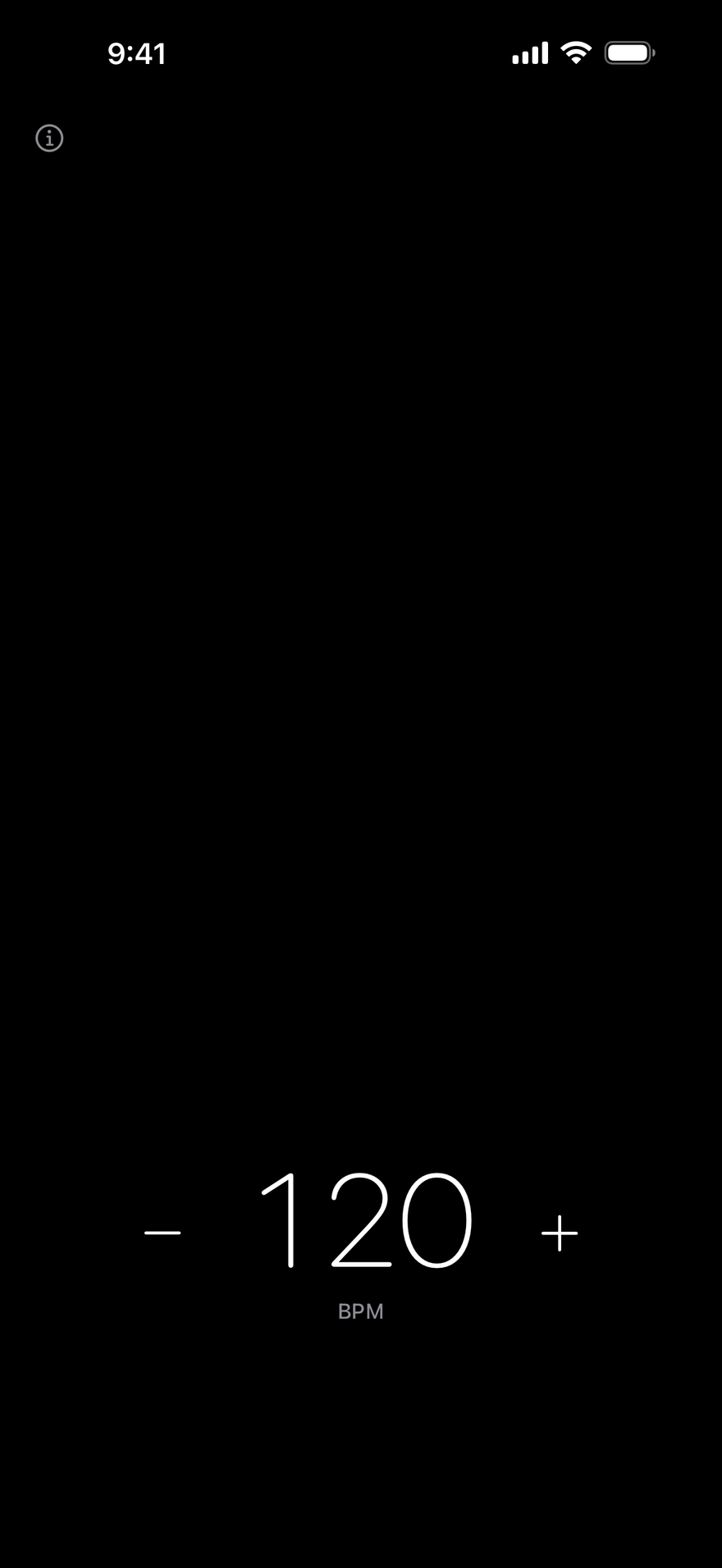
I made it for my own tenor saxophone practice. Open it and start playing straight away; the beat stays visible even when the sound is hard to hear. I did everything myself, from planning and design to implementation in SwiftUI and synthesizing the clicks.
Controls — touch what you want to change
All the screen has is beat dots, a circle and a tempo value. There are no menus or instructions: touch the thing you want to change.
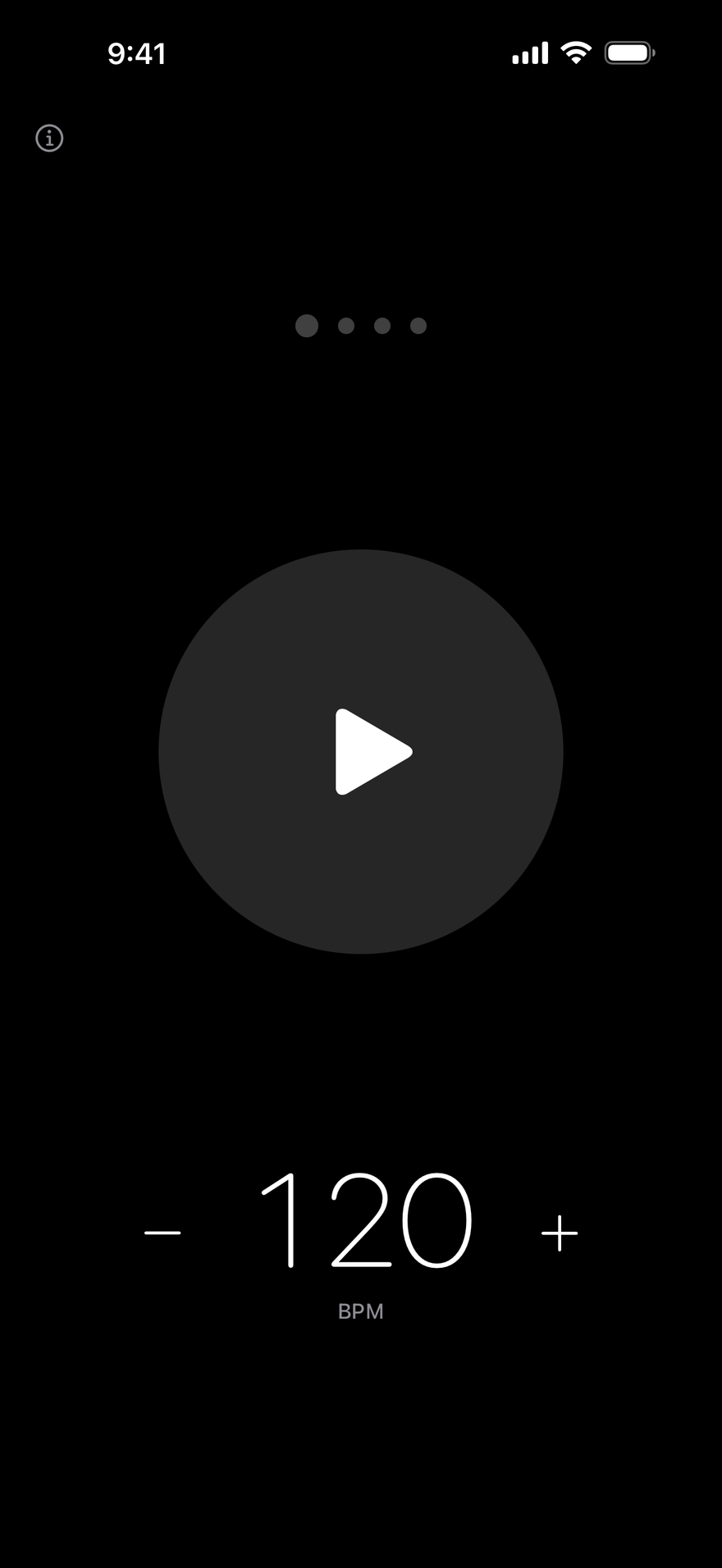
- ⓘ
- Open the support page.
- Dots
- Tap to add a beat (1–7 beats). Slide to add or remove beats.
- Circle
- Tap to start or stop. Press and hold, then tap along with a song to set the tempo.
- Numbers
- Drag to speed up or slow down. Move slowly for fine adjustments. −/+ changes it by one.
Pulse — the same moment, the same intensity
The circle swells when the sound reaches your ears, rather than when it is sent. It compensates for the roughly 0.1–0.3-second delay of Bluetooth earphones using the output latency reported by iOS. The amount it swells is proportional to the click’s volume: the first beat has a higher, louder click and a noticeably larger pulse.

The audio thread determines beat times to the sample. The calculation avoids accumulating error, keeping the drift within 0.5 samples even after an hour of continuous playback.
Tap tempo — silence while you tap
Press and hold the circle and it begins to wobble like jelly. Tap along with a song or the tempo in your head: the circle dents where you touch it, wobbles and springs back. Vibration feeds the tempo back to you.

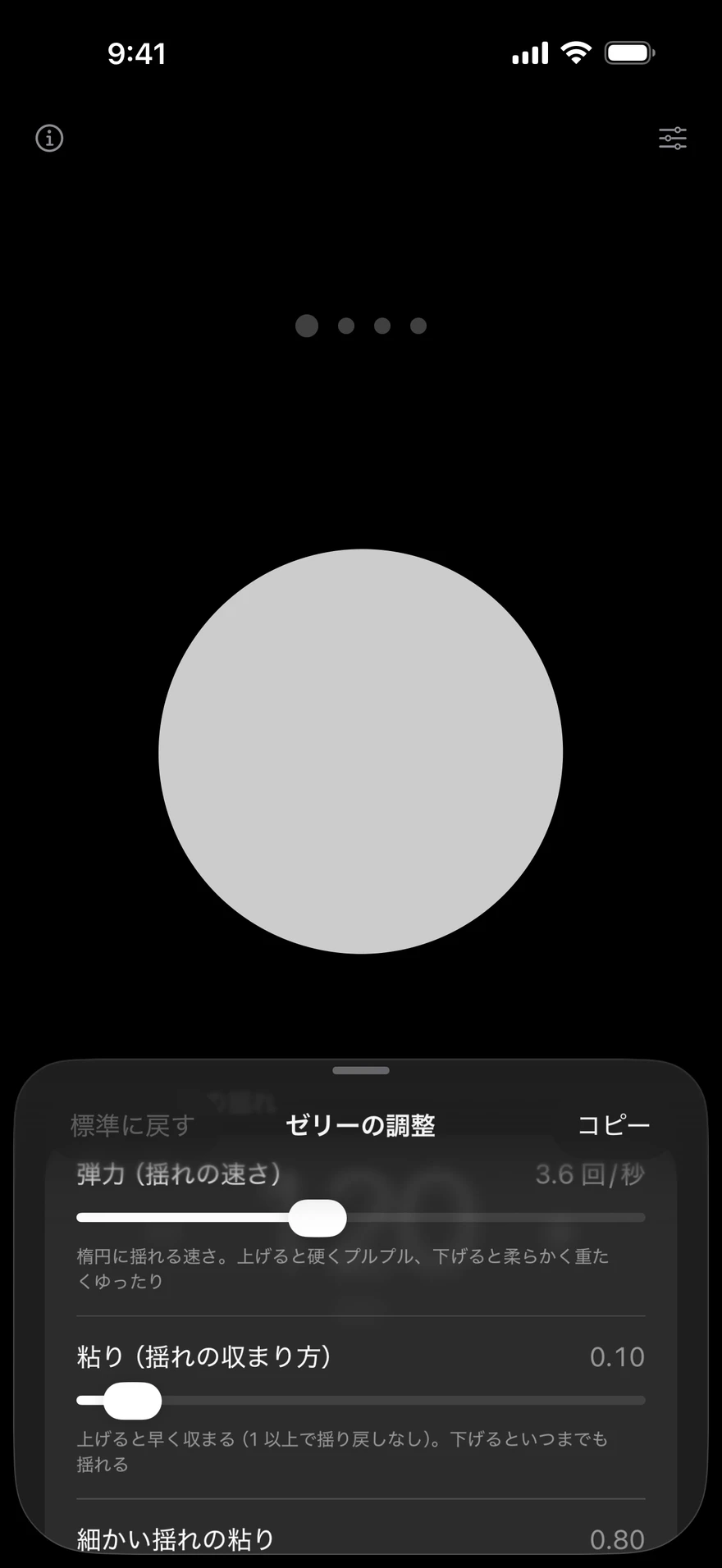
It deliberately stays silent while you tap. An immediate audio response would arrive late over Bluetooth and overlap with the metronome’s clicks. When you stop tapping, clicks at that tempo begin almost inaudibly and reach their usual volume over six seconds.

Sound — choosing by ear a pitch that carries over the saxophone
The clicks are synthesized from sine waves, without audio files. I built a comparison page and ran three listening comparisons through the iPhone speaker while playing tenor saxophone. I settled on 1875 Hz and 1250 Hz, 1.25 times the original frequencies: above the saxophone’s strongest range and below the range that tends to sound piercing.

Higher, longer sounds and candidates with added harmonics were easier to hear. Even so, I chose within the range that kept a mellow, neutral electronic character.
Subtraction — what I left out
Nothing that leaves you wondering what to choose. I checked each item to see whether the app could work without it, then removed it.
- Ads, tracking and accounts
- Decided from the start. The app makes no network requests on its own.
- Settings screen
- Everything happens on one screen.
- Choice of tones
- Two sounds, for accented and unaccented beats, are enough. Options invite indecision.
- Volume slider
- The device’s volume buttons are enough.
- Light mode
- Just one black screen.
- Eight or more beats
- Count 12/8 in four beats and 9/8 in three.
- Subdivisions (eighths, triplets, sixteenths)
- Not essential for the app to work. The first candidate for a future addition.
- Typing a tempo
- −/+ and dragging are enough.
Built in SwiftUI with no external libraries. Runs on iPhone with iOS 17 or later. Its English name is No Ads Simplest Metronome. I am preparing it for release on the App Store (September 2026). Full instructions and the privacy policy are on the support page.